Task Management
Add, edit, delete, or skip tasks while an assessment is running.
Add a task
- Open the left pane of the assessment workspace.
- Click + in the top-right of the task list.
- Enter a short title and a clear description.
- Submit the task.
Sable continues proposing its own tasks. Added tasks join the same queue.
Edit or delete a queued task
- Hover over a queued task.
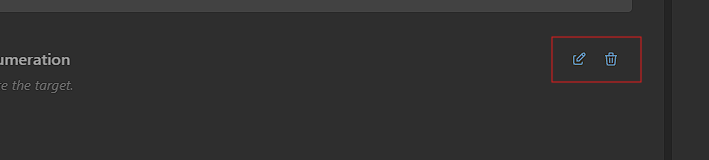
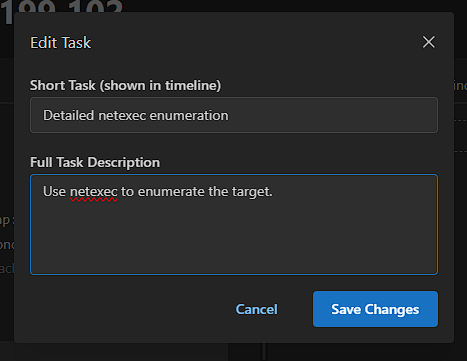
- Click the edit icon to change the title or description, then save.
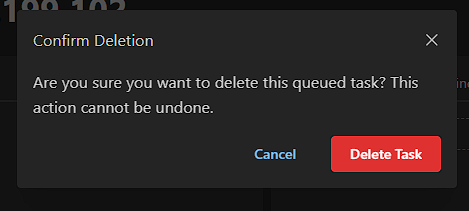
- Click the delete icon to remove the task. Deletion cannot be undone.
Skip an active or queued task
- Select the active or queued task you no longer want Sable to run.
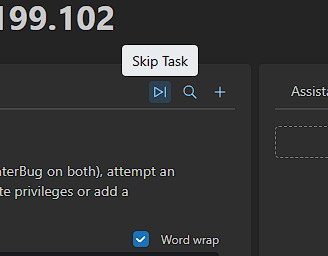
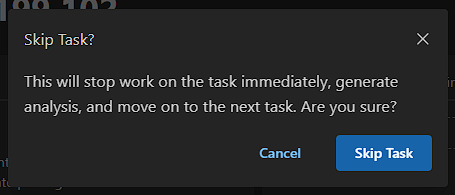
- Click Skip Task.
- Confirm.
For an active task, Sable stops the current work, generates analysis, and moves to the next task. This can take a few seconds while the event loop finishes. A queued task is marked as skipped and will not run. You can keep using the workspace while the action completes.
Next
- Live redirection and autonomy modes: Controlling Sable
- Reusable starter tasks: Methodologies